Network failures don't announce themselves politely. A router crashes at 3 a.m., employees lose access to cloud applications, and suddenly your business grinds to a halt. For small and medium businesses, these disruptions translate directly into lost revenue, frustrated customers, and damaged reputation. Understanding how professional network support works—and when to invest in it—can mean the difference between minor hiccups and catastrophic downtime.
What Is IT Network Support and Why It Matters
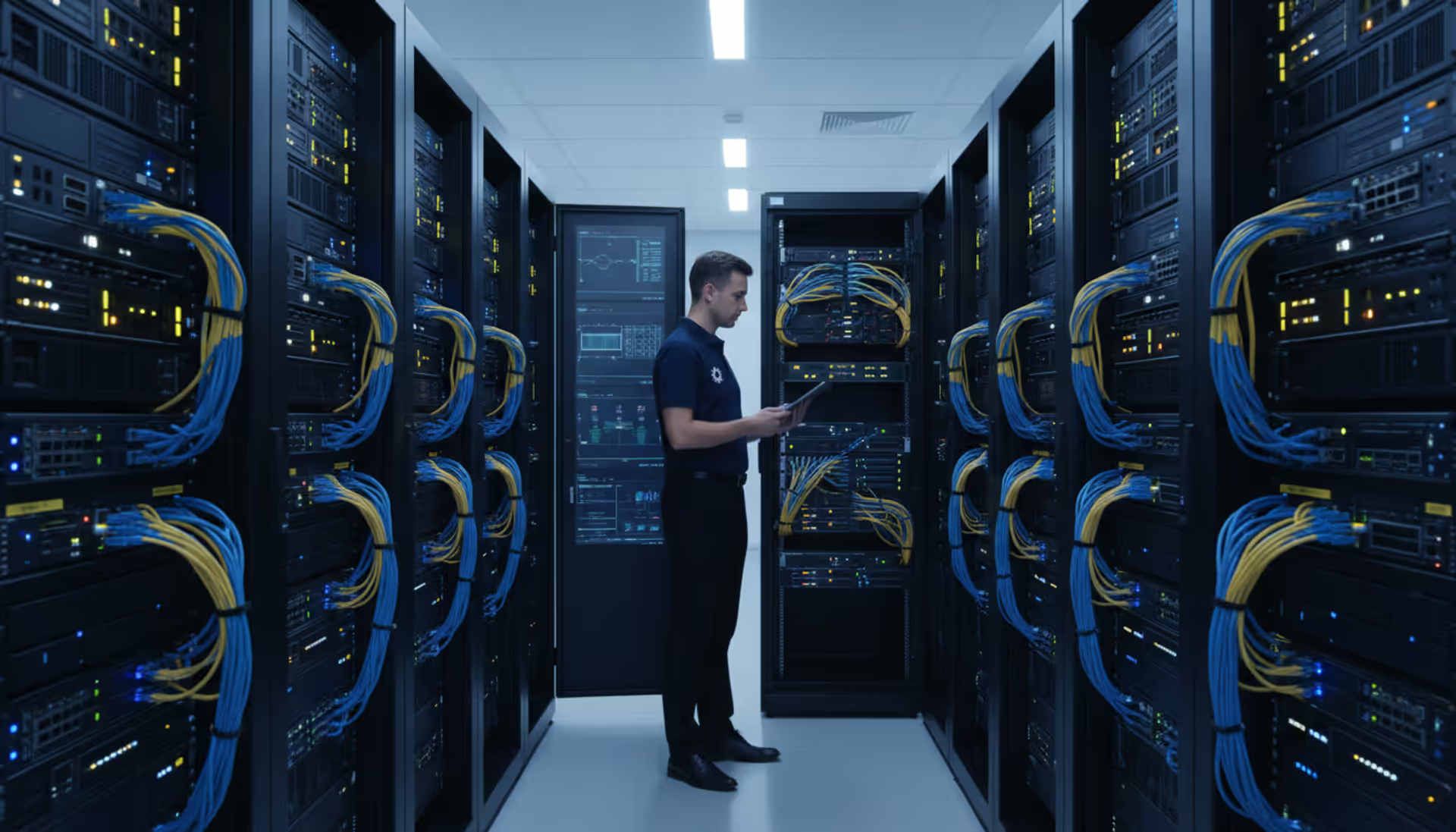
IT network support encompasses the technical services and expertise required to keep business networks operational, secure, and optimized. This includes everything from configuring routers and switches to diagnosing connectivity issues, applying security patches, and ensuring data flows smoothly between devices, servers, and cloud platforms.
The core responsibilities extend beyond simple troubleshooting. Network support teams maintain infrastructure health, implement security protocols, plan capacity upgrades, and document network architecture. They serve as the first line of defense when systems fail and the strategic planners who prevent failures before they occur.
Business value manifests in measurable ways. Properly supported networks deliver 99.9% uptime or better, reducing the average cost of downtime—which Gartner estimates at $5,600 per minute for mid-sized companies in 2026. Beyond availability, effective support improves security posture, optimizes bandwidth utilization, and enables scalability as organizations grow.
Common IT Network Support Services
Professional network support typically bundles several distinct service categories. Troubleshooting and incident response address immediate problems: devices that won't connect, slow application performance, or complete network outages. Technicians diagnose root causes using protocol analyzers, log files, and systematic elimination processes.
Maintenance services keep infrastructure current through firmware updates, security patches, configuration backups, and hardware health checks. This preventive work happens during scheduled maintenance windows to minimize business impact. Neglecting maintenance creates security vulnerabilities and increases the likelihood of unexpected failures.
Network infrastructure has become the central nervous system of modern business operations.Companies that treat network support as an afterthought rather than a strategic priority typically spend 3-4 times more addressing emergency failures than those who invest in proactive management
— Marcus Chen
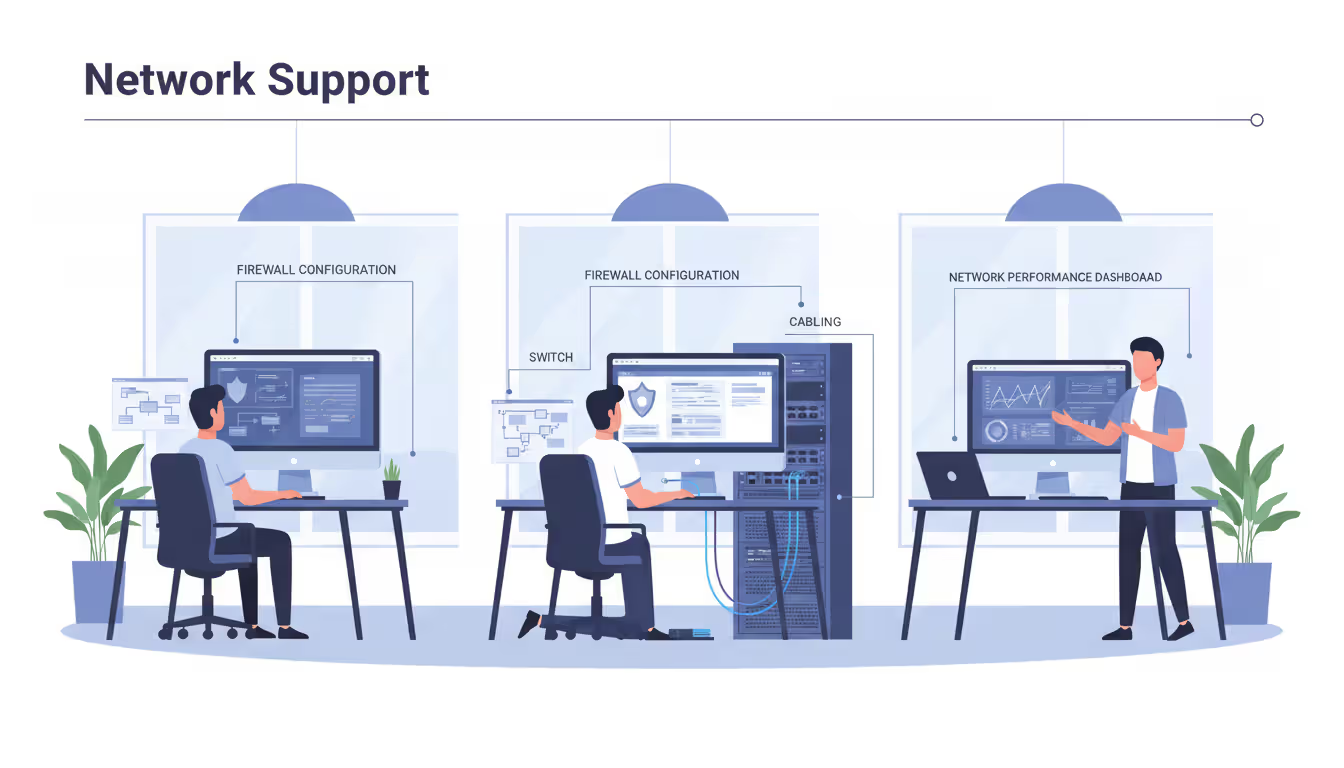
Security management has grown increasingly complex. Support teams configure firewalls, manage VPNs, monitor for intrusion attempts, and respond to security incidents. They implement network segmentation to isolate sensitive data and ensure compliance with regulations like HIPAA or PCI-DSS.
User support addresses the human side of networking. Technicians help employees connect new devices, troubleshoot VPN access, resolve printer connectivity issues, and explain network policies. This frontline support prevents small problems from escalating into help desk bottlenecks.
IT network management encompasses the strategic layer: capacity planning, technology roadmaps, vendor management, and budget forecasting. Effective management aligns network capabilities with business objectives rather than simply keeping lights blinking green on switches.
Author: Rachel Denholm;
Source: milkandchocolate.net
Proactive vs. Reactive Support Models
Reactive support operates on a break-fix basis. Problems arise, users report them, and technicians respond. This model seems cost-effective initially—you only pay when something breaks. However, emergency response rates typically run 50-100% higher than planned service rates, and downtime costs dwarf service fees.
Proactive support inverts this equation. Regular monitoring, automated alerts, and scheduled maintenance catch problems early. A failing hard drive triggers replacement before data loss occurs. Bandwidth trends inform upgrades before congestion impacts performance. The upfront investment in monitoring tools and regular maintenance delivers lower total cost of ownership.
Most businesses benefit from hybrid approaches. Critical systems receive proactive monitoring and maintenance, while less essential infrastructure operates on reactive terms. A manufacturing company might monitor production network segments proactively while managing office Wi-Fi reactively.
How IT Network Monitoring Fits Into Support Operations
IT network monitoring provides the visibility required for effective support. Monitoring tools continuously track device status, bandwidth utilization, error rates, and performance metrics across the entire infrastructure. When parameters exceed defined thresholds, the system generates alerts before users notice problems.
Modern monitoring platforms track diverse metrics. Interface statistics reveal packet loss or excessive collisions. SNMP polling monitors device health—CPU utilization, memory consumption, temperature sensors. Flow analysis identifies bandwidth hogs and unusual traffic patterns that might indicate security breaches.
Real-time alerts enable rapid response. When a switch loses power, monitoring systems notify support teams immediately via email, SMS, or integration with ticketing platforms. Automated escalation ensures critical alerts reach the right personnel even during off-hours.
Prevention strategies rely heavily on historical monitoring data. Trending analysis reveals patterns: network slowdowns every Tuesday at 2 p.m. might correlate with automated backup jobs that need rescheduling. Gradual bandwidth increases forecast when circuit upgrades become necessary, allowing planned installations rather than emergency orders.
Effective monitoring requires thoughtful configuration. Alert thresholds set too sensitive generate noise that teams learn to ignore. Too lenient, and critical issues slip through unnoticed. Baseline establishment—understanding normal behavior for your specific environment—takes several weeks but proves essential for meaningful alerting.
Author: Rachel Denholm;
Source: milkandchocolate.net
When Your Business Needs Professional Network Support
Frequent downtime signals inadequate support. If employees regularly experience network interruptions, or if "just reboot it" has become standard troubleshooting advice, your infrastructure needs professional attention. Quantify the pattern: more than two unplanned outages monthly indicates systemic issues.
Security concerns demand immediate action. Ransomware attacks, data breaches, or failed compliance audits reveal gaps in network security management. Even near-misses—suspicious traffic detected, phishing attempts that nearly succeeded—justify bringing in specialized expertise.
Growth phases strain existing infrastructure. Adding a second office location, doubling staff headcount, or launching cloud-based services all stress network capacity and complexity. Professional support ensures infrastructure scales appropriately rather than limping along with band-aid solutions.
Compliance requirements often mandate professional network management. Healthcare organizations must demonstrate HIPAA-compliant network security. Financial services face PCI-DSS requirements. Professional support teams document configurations, implement required controls, and maintain audit trails that satisfy regulators.
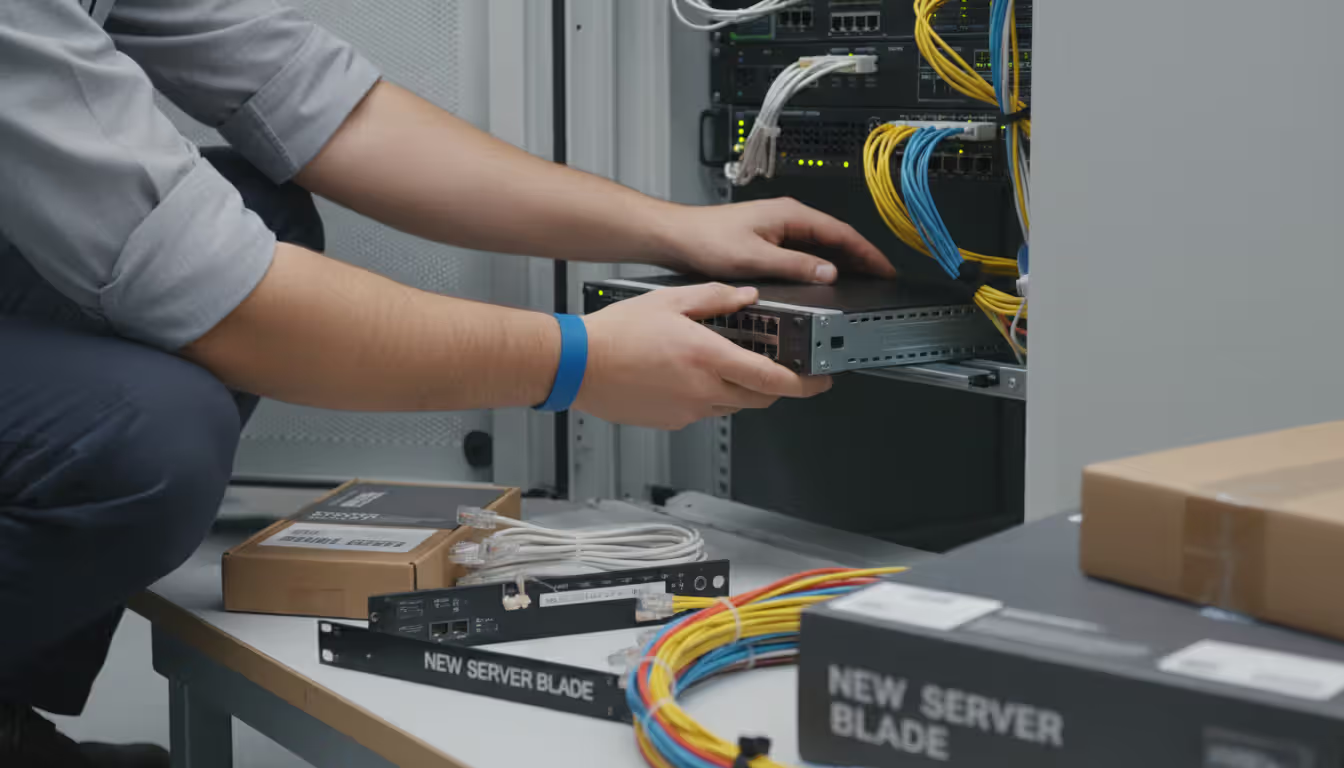
Technology refresh cycles present natural intervention points. When core switches reach end-of-life or internet circuits need upgrading, bringing in professional support ensures proper implementation and knowledge transfer. Attempting complex installations without expertise frequently results in misconfigurations that cause problems for years.
IT Network Installation and Initial Setup Considerations
Planning new networks begins with requirements gathering. How many users? What applications? Any special needs like VoIP quality-of-service or video conferencing bandwidth? Requirements drive every subsequent decision, from internet circuit sizing to switch port counts.
Hardware selection balances capabilities, budget, and longevity. Enterprise-grade equipment costs more upfront but delivers better performance, longer support lifecycles, and more robust management features. Small businesses often select business-class gear that splits the difference between consumer equipment and enterprise pricing.
Software decisions include operating systems, network management platforms, and security tools. Cloud-managed solutions simplify administration for organizations without dedicated IT staff. On-premises management offers more control but requires greater expertise.
An IT network diagram becomes crucial during installation and remains valuable throughout the infrastructure's life. Proper diagrams document physical topology (how devices connect), logical topology (IP addressing schemes, VLANs), and dependencies (which systems rely on which network segments). Without accurate documentation, troubleshooting becomes guesswork and changes risk breaking unexpected dependencies.
Vendor coordination challenges many installations. Internet service providers, hardware vendors, software licensors, and cabling contractors all operate on different schedules with varying communication standards. Professional support teams manage these relationships, ensuring coordinated delivery and installation.
Testing validates that installations meet requirements. Performance testing confirms bandwidth expectations. Failover testing verifies redundancy works as designed. Security testing identifies configuration gaps before going live. Skipping thorough testing almost guarantees discovering problems at the worst possible moments.
Author: Rachel Denholm;
Source: milkandchocolate.net
Managing Your IT Network: In-House vs. Outsourced Support
The build-versus-buy decision for network support hinges on multiple factors. Cost represents the most obvious consideration but rarely tells the complete story.
Feature
In-House Team
Managed Service Provider
Average cost
$75,000-$120,000 per technician annually (salary + benefits)
$1,500-$5,000 monthly depending on infrastructure size
Expertise breadth
Limited to team members' specific skills
Access to specialists across networking, security, cloud
In-house teams excel when network infrastructure is highly specialized, tightly integrated with proprietary systems, or subject to strict security requirements that prohibit external access. Organizations with 100+ employees often find dedicated staff cost-effective.
Managed service providers (MSPs) deliver value for smaller organizations or those with standard infrastructure. MSPs spread expertise costs across multiple clients, providing access to senior engineers that individual small businesses couldn't afford to hire. Response time guarantees and after-hours coverage eliminate the need for on-call rotations.
Hybrid models combine internal staff for daily operations with MSP partnerships for specialized needs or overflow capacity. A company might employ one network administrator while contracting an MSP for security management, after-hours monitoring, or project-based work like office buildouts.
Geography influences decisions. Rural businesses struggle to recruit qualified network engineers locally, making remote MSP support attractive. Urban organizations enjoy larger talent pools that support in-house hiring.
How to Choose an IT Network Support Provider
Certifications indicate baseline competency but don't guarantee quality. Look for vendor-specific credentials (Cisco CCNA/CCNP, Juniper JNCIA) relevant to your infrastructure. Security certifications like CISSP or CompTIA Security+ matter for organizations with compliance requirements. However, certifications expire or get renewed without rigorous testing—ask about hands-on experience with technologies matching your environment.
Service Level Agreements (SLAs) define expectations contractually. Response time SLAs specify how quickly the provider acknowledges tickets—critical issues might require 15-minute response, routine requests allow four hours. Resolution time SLAs prove harder to enforce (problem complexity varies) but indicate provider confidence. Uptime guarantees mean little without teeth: what compensation occurs when SLAs are missed?
Industry experience reveals whether providers understand your specific challenges. Healthcare networks face HIPAA requirements and medical device integration. Manufacturing environments deal with industrial protocols and uptime criticality. Retail organizations need PCI compliance and seasonal scalability. Providers with relevant experience require less education and make fewer costly mistakes.
Pricing models vary significantly. Per-device pricing charges monthly fees based on managed endpoints—servers, switches, access points. Per-user pricing scales with headcount. Tiered packages bundle services at good, better, best levels. Hourly billing suits project work but creates unpredictable monthly costs. Understand what's included: monitoring, security patches, after-hours support, or just incident response?
References matter more than marketing materials. Speak with current clients in similar industries and company sizes. Ask about responsiveness, technical competency, and how the provider handles mistakes. Long client relationships indicate satisfaction; high churn suggests problems.
Trial periods or phased rollouts reduce risk. Start with monitoring services or a single location before committing enterprise-wide. Evaluate communication quality, technical skills, and cultural fit before signing multi-year contracts.
Author: Rachel Denholm;
Source: milkandchocolate.net
Frequently Asked Questions About IT Network Support
What is the difference between IT network support and help desk support?
Help desk support addresses end-user issues with applications, devices, and access—password resets, software installation, email problems. IT network support focuses on infrastructure: routers, switches, firewalls, circuits, and the underlying connectivity that enables all other services. Help desk technicians assist people; network support maintains systems. Larger organizations separate these functions, while smaller businesses often combine them.
How much does IT network support cost for a small business?
Monthly costs typically range from $1,500 to $5,000 for businesses with 10-50 employees, depending on infrastructure complexity and service scope. Basic monitoring and reactive support starts around $1,500. Comprehensive packages including proactive management, security services, and guaranteed response times run $3,000-$5,000. Per-device pricing averages $50-$150 monthly per managed network device. Project-based work like installations bills $100-$200 hourly for qualified technicians.
What is included in network monitoring services?
Standard monitoring tracks device availability (up/down status), interface statistics (bandwidth utilization, errors, discards), and basic performance metrics. Advanced monitoring adds application performance tracking, security event correlation, bandwidth analysis by application or user, and predictive analytics. Most services include alerting via email or SMS, historical reporting, and dashboard access. Premium tiers might include automated remediation for common issues.
Do I need an IT network diagram before getting support?
While not absolutely required, current network diagrams dramatically improve support quality and reduce troubleshooting time. Diagrams help new support teams understand your environment quickly. If you lack documentation, quality support providers will create diagrams as part of onboarding—expect this discovery process to take 2-4 weeks. Maintaining accurate diagrams afterward prevents knowledge loss when staff changes occur.
Can IT network support prevent cyberattacks?
Network support significantly reduces attack success rates but cannot guarantee prevention. Proper firewall configuration, network segmentation, intrusion detection systems, and regular security patching close common attack vectors. Monitoring identifies suspicious activity early, limiting damage. However, determined attackers exploit human factors (phishing) and zero-day vulnerabilities that technical controls can't fully prevent. Network support forms one layer of comprehensive security strategy.
How quickly should a network support team respond to outages?
Critical outages affecting business operations warrant 15-30 minute response times, with technicians actively working on resolution within one hour. Degraded performance issues typically allow 1-2 hour response windows. Routine maintenance requests can wait 4-8 hours. After-hours response depends on service agreements—premium support provides 24/7 coverage, while basic packages might offer business-hours-only response with emergency escalation options. Define criticality levels and corresponding response expectations contractually.
Network infrastructure has evolved from a technical utility into a business-critical asset that demands professional attention. The question facing small and medium businesses isn't whether to invest in network support, but rather how to structure that investment for maximum value. Organizations that treat networking as a strategic capability—through either skilled in-house teams or carefully selected managed service providers—position themselves for growth, security, and operational resilience.
Start by honestly assessing your current state. Document recurring issues, calculate downtime costs, and identify security gaps. These pain points guide decisions about support models, service levels, and budget allocation. Whether you choose to build internal capabilities or partner with external experts, base that decision on your specific context rather than generic advice.
The networks supporting your business in 2026 face unprecedented demands: remote workforce connectivity, cloud application dependencies, sophisticated security threats, and ever-increasing performance expectations. Meeting these challenges requires expertise, tools, and commitment that extend well beyond keeping routers powered on. Professional network support transforms infrastructure from a source of frustration into a competitive advantage.
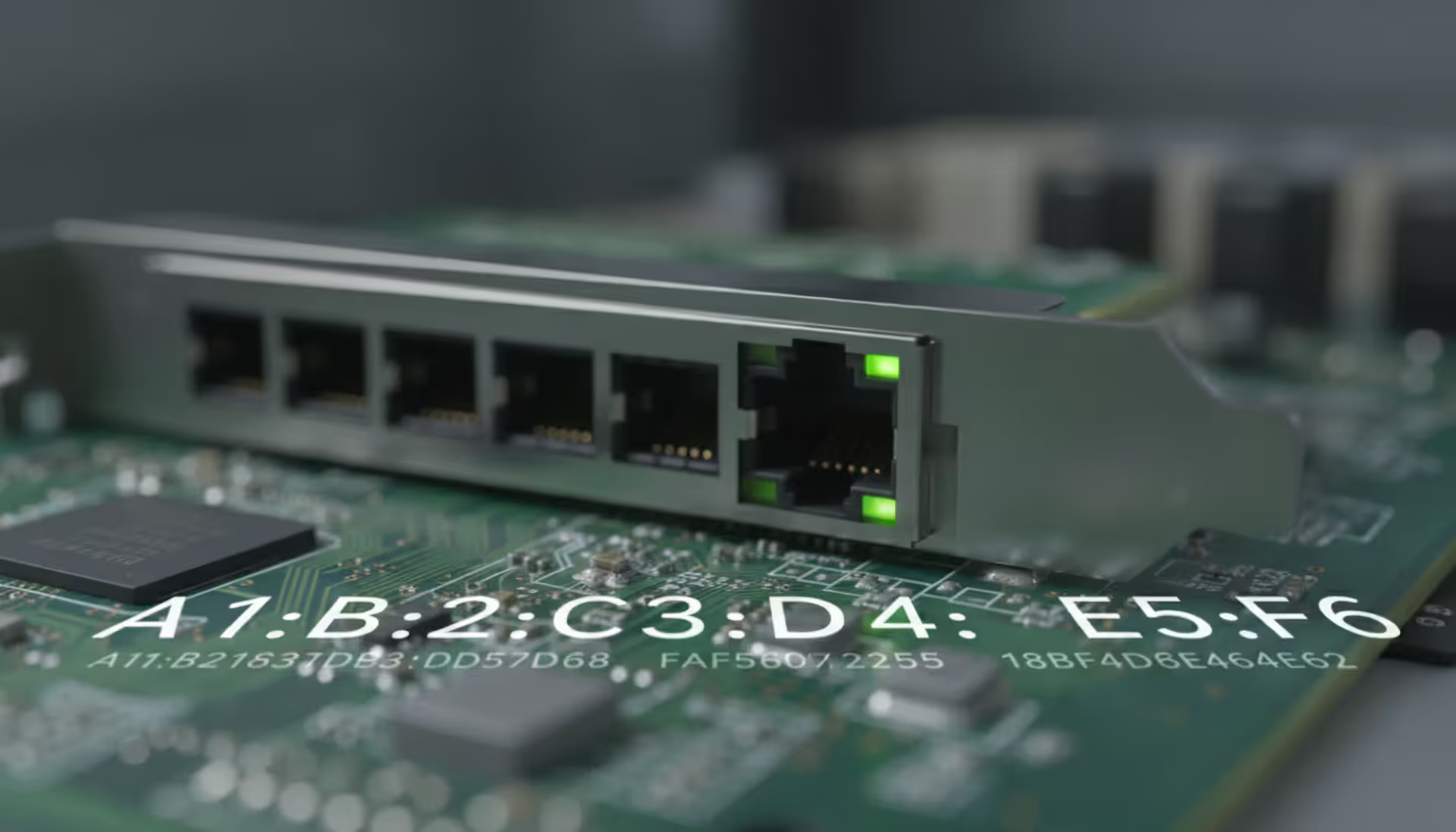
Every network device carries a unique MAC address identifier. This guide shows you how to find MAC addresses using command-line tools, system settings, and vendor lookup databases. Includes step-by-step instructions for Windows Command Prompt, macOS, Linux, and mobile devices
Migrating to the cloud doesn't always require reimagining your entire infrastructure. Lift and shift migration moves applications to the cloud with minimal modifications—a pragmatic approach for organizations facing data center deadlines or managing legacy systems
Building your own cloud storage gives you complete control over your data while potentially saving money compared to subscription services. This comprehensive guide covers hardware requirements, software platforms like Nextcloud, step-by-step installation, security best practices, and common mistakes to avoid
Network administrators on tight budgets can achieve comprehensive visibility with free SNMP monitoring software. This guide compares leading platforms like Zabbix, LibreNMS, and PRTG Free, covering setup requirements, feature trade-offs, and common deployment mistakes to avoid
The content on this website is provided for general informational purposes only. It is intended to offer insights, commentary, and analysis on cloud computing, network infrastructure, cybersecurity, and IT solutions, and should not be considered professional, technical, or legal advice.
All information, articles, and materials presented on this website are for general informational purposes only. Technologies, standards, and best practices may vary depending on specific environments and may change over time. The application of any technical concepts depends on individual systems, configurations, and requirements.
This website is not responsible for any errors or omissions in the content, or for any actions taken based on the information provided. Users are encouraged to seek qualified professional advice tailored to their specific IT infrastructure, security, and business needs before making decisions.