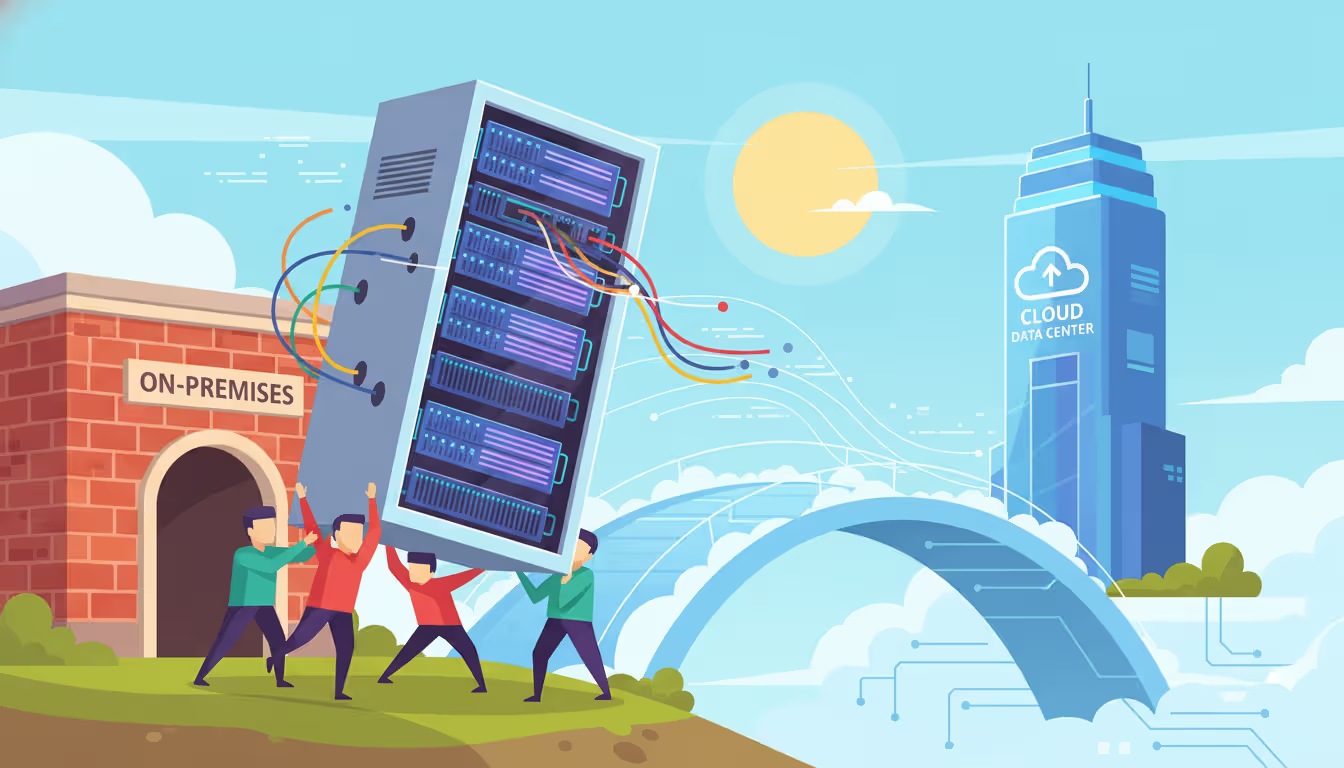
Migrating to the cloud doesn't always require reimagining your entire infrastructure. Sometimes the fastest path forward means moving what you already have—exactly as it is—to a cloud environment. This approach, known as lift and shift, has become one of the most common first steps organizations take when leaving on-premises data centers behind.
Lift and Shift Migration Explained
The lift and shift meaning is straightforward: you take an application or workload from its current environment and move it to the cloud with minimal or no modifications. Think of it like moving furniture from one house to another—you're not rebuilding the furniture, just placing it in a new location.
What is lift and shift in technical terms? It's a migration strategy where applications, along with their data and dependencies, are transferred from on-premises infrastructure to cloud infrastructure without redesigning the application architecture. The operating system, application binaries, configurations, and data move as-is. You're not rewriting code, changing databases, or adopting cloud-native services during the initial migration.
This strategy is also called "rehosting" in cloud migration frameworks. The core concept centers on speed and simplicity: get workloads running in the cloud quickly, then optimize later if needed. Many organizations use this as a stepping stone, knowing they can modernize applications after they're already cloud-based and the data center exit deadline has passed.
The basic process involves creating virtual machines or compute instances in the cloud that mirror your current servers, copying data, and redirecting traffic. No architectural changes occur during the move itself.
Author: Trevor Langford;
Source: milkandchocolate.net
How the Lift and Shift Approach Works
The lift and shift migration process typically follows several distinct phases. First, you inventory existing applications and infrastructure, documenting dependencies, performance baselines, and configuration details. This discovery phase prevents surprises when applications start running in the cloud.
Next comes the preparation stage. You provision cloud resources that match—or slightly exceed—your current server specifications. If you're running an application on a physical server with 16 cores and 64GB RAM, you'd provision a cloud instance with similar specifications. Storage volumes are created to match current capacity and performance requirements.
The actual migration involves creating images or snapshots of your existing systems, transferring data to cloud storage, and launching instances from those images. For databases, you might use replication tools to sync data continuously until you're ready to cut over. Applications are tested in the cloud environment to verify functionality before switching production traffic.
Finally, you update DNS records, load balancers, or network routing to direct users to the cloud-hosted version. The old on-premises systems typically run in parallel for a period—sometimes days, sometimes weeks—before being decommissioned.
Rehosting vs. Other Migration Strategies
The lift and shift approach represents just one option in a broader spectrum of migration strategies. Understanding where it fits helps clarify when to use it.
Rehosting (lift and shift) moves applications unchanged. Replatforming makes minor optimizations during migration—perhaps switching to a managed database service instead of running your own database server, but keeping application code intact. Refactoring (or re-architecting) involves significant code changes to leverage cloud-native features like serverless computing or microservices. Repurchasing means abandoning your current application entirely and moving to a SaaS solution. Retiring means decommissioning applications you no longer need.
Each strategy involves different trade-offs. Lift and shift requires the least upfront effort but may result in higher ongoing costs since you're not optimizing for cloud pricing models. Refactoring delivers maximum cloud benefits but demands significant development time and expertise.
Most organizations use multiple strategies across their application portfolio rather than applying one approach universally. Mission-critical applications with tight timelines often get lifted and shifted first, while less critical systems might be refactored or retired.
Common Tools and Platforms Used
Cloud providers offer native migration tools designed specifically for lift and shift scenarios. AWS Application Migration Service (formerly CloudEndure) performs continuous replication of source servers to AWS, minimizing downtime during cutover. Azure Migrate provides discovery, assessment, and migration capabilities for moving workloads to Azure. Google Cloud's Migrate for Compute Engine handles VM migrations from on-premises, AWS, or Azure environments.
Third-party tools like Carbonite Migrate, Zerto, and RiverMeadow offer cross-platform migration capabilities and sometimes provide more flexibility for complex environments. These tools typically work by installing agents on source servers that replicate data to the target cloud environment.
For database migrations, tools like AWS Database Migration Service, Azure Database Migration Service, or native database replication features enable moving data with minimal downtime. File servers might use tools like Rsync, Robocopy, or cloud provider storage gateways for data transfer.
Automation platforms such as Terraform, Ansible, or cloud-native infrastructure-as-code services help provision target environments consistently. While lift and shift doesn't change application code, you still need to build the cloud infrastructure to receive those applications.
When to Use Lift and Shift Migration
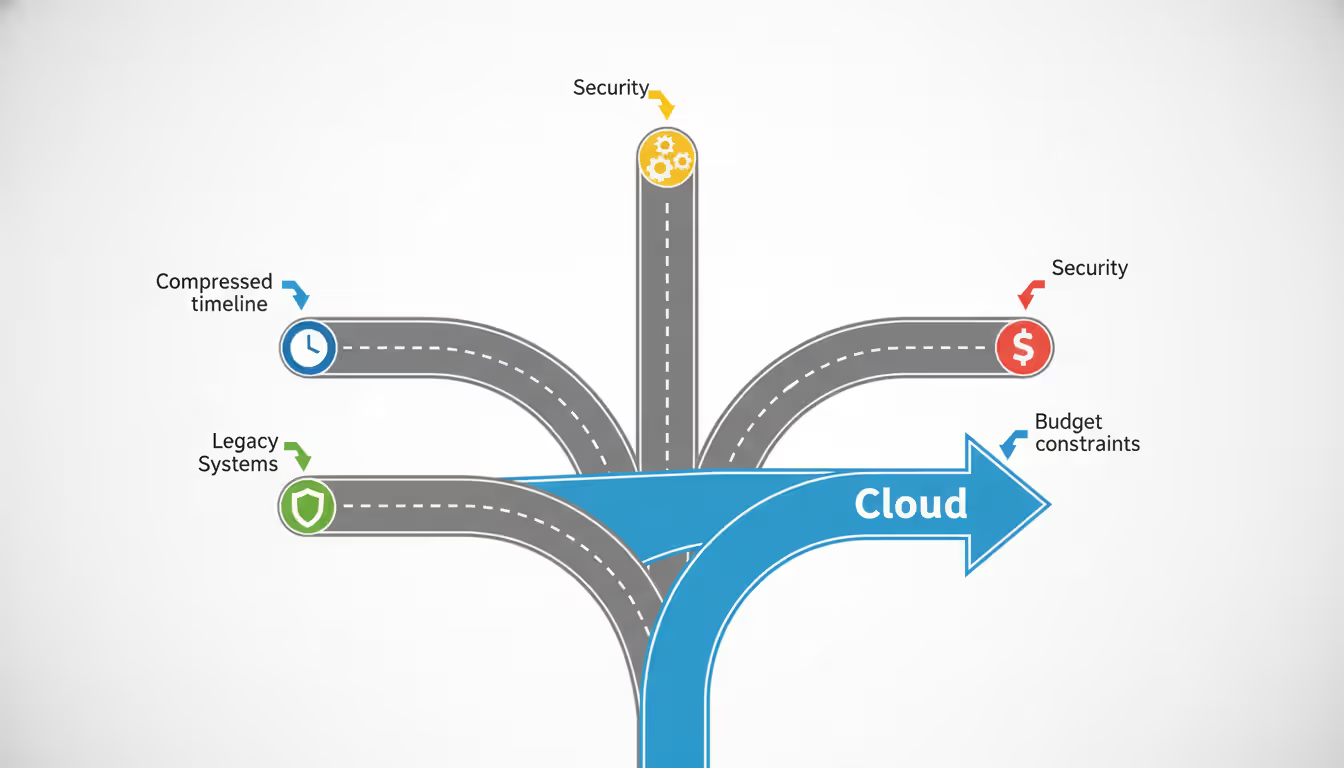
Several scenarios make the lift and shift cloud migration strategy particularly appropriate. Data center contract expirations create hard deadlines that don't accommodate lengthy re-architecture projects. If your lease ends in six months and you're running 200 applications, rewriting everything isn't realistic. Lift and shift gets you out on time.
Mergers and acquisitions often demand rapid infrastructure consolidation. When two companies merge, you might need to exit redundant data centers quickly. Moving applications as-is, then optimizing later, accelerates the consolidation timeline.
Disaster recovery and business continuity improvements drive many lift and shift migrations. Organizations move workloads to the cloud primarily for better backup, redundancy, and recovery capabilities rather than application modernization. The cloud becomes a more resilient hosting location for existing applications.
Legacy applications with limited documentation or scarce expertise present another use case. When nobody fully understands how a 15-year-old application works, and the original developers left years ago, changing it carries substantial risk. Moving it unchanged preserves functionality while gaining cloud infrastructure benefits.
Budget constraints sometimes favor lift and shift. If you lack budget for a full modernization project but need to exit a data center, rehosting provides an affordable path forward. You defer optimization costs until later budget cycles.
Applications nearing end-of-life make poor candidates for refactoring. If you plan to replace an application within two years, spending months re-architecting it makes little sense. Lift and shift keeps it running until the replacement is ready.
Author: Trevor Langford;
Source: milkandchocolate.net
Advantages and Disadvantages of Lift and Shift
The primary advantage of the lift and shift migration approach is speed. You can move applications to the cloud in weeks or months rather than the year-plus timeline that refactoring often requires. This speed matters when facing data center deadlines, compliance requirements, or competitive pressure.
Simplicity reduces migration risk. Since you're not changing application code, you avoid introducing new bugs or compatibility issues. Testing focuses on verifying the application works the same in the cloud as it did on-premises, not validating entirely new functionality.
Lower initial costs make lift and shift accessible. You don't need expensive cloud architects or months of developer time rewriting applications. The migration itself primarily requires infrastructure engineers and migration tools—resources most organizations already have or can acquire affordably.
Skill requirements remain manageable. Your existing IT team likely understands the current applications and can handle moving them. Refactoring demands cloud-native development expertise that takes time to build or hire.
The disadvantages center on missed optimization opportunities. Applications designed for on-premises infrastructure don't automatically benefit from cloud-native features like auto-scaling, serverless computing, or managed services. You're paying cloud prices for on-premises architectures.
Long-term operating costs may exceed optimized alternatives. A server that runs 24/7 in the cloud costs more than a refactored application using serverless functions that only consume resources when processing requests. Over years, these cost differences compound significantly.
Performance might not improve—and could worsen. Moving to the cloud doesn't magically make applications faster. Without optimization, some workloads perform worse due to network latency, shared infrastructure, or mismatched instance types.
Technical debt accumulates. Lift and shift preserves existing architectural problems, inefficient code, and outdated dependencies. You're moving problems to the cloud, not solving them. Many organizations intend to optimize "later," but later never comes as new priorities emerge.
Lift and Shift Migration Challenges and How to Address Them
Licensing complications catch many organizations off-guard. Software licensed per physical server or CPU socket may not translate cleanly to cloud licensing models. Microsoft SQL Server, Oracle databases, and enterprise applications often have complex cloud licensing terms. Audit your licenses before migrating and engage vendors early to understand cloud licensing options and costs.
Network dependencies create invisible failure points. Applications that worked fine in a low-latency data center environment may struggle when components span cloud regions or connect back to remaining on-premises systems. Map all network dependencies during discovery and test performance under realistic network conditions before cutting over production traffic.
Author: Trevor Langford;
Source: milkandchocolate.net
Storage performance mismatches cause application slowdowns. Your on-premises SAN might deliver 100,000 IOPS, but the default cloud storage you provisioned delivers only 3,000 IOPS. Right-size storage performance characteristics—not just capacity—to match application requirements.
Security and compliance gaps emerge when cloud configurations don't replicate on-premises controls. Your data center firewall rules, network segmentation, and access controls need cloud equivalents. Implement cloud security groups, network ACLs, and identity management before migration, not after.
Backup and disaster recovery assumptions fail. Just because an application runs in the cloud doesn't mean it's automatically backed up or resilient. Cloud providers protect their infrastructure, not your data. Implement cloud-appropriate backup solutions and test recovery procedures.
Hidden dependencies surface during testing. An application might rely on a specific DNS server, NTP source, or file share that wasn't documented. Comprehensive discovery and testing in non-production environments expose these dependencies before they cause production outages.
Cost overruns happen when instance sizing is wrong. Overprovisioning wastes money; underprovisioning causes performance problems. Use monitoring data from current systems to right-size cloud instances, and implement cost monitoring immediately to catch runaway expenses early.
Alternatives to the Lift and Shift Strategy
The biggest misconception about lift and shift is that it's somehow a failure or shortcut. In reality, it's a pragmatic business decision that balances risk, timeline, and resources. I've seen companies successfully migrate hundreds of applications using lift and shift, then systematically optimize the ones that matter most. Perfect is the enemy of done, and done gets you out of expensive data centers
— Jennifer Martinez
Refactoring or re-architecting involves redesigning applications to use cloud-native services and architectural patterns. You might break a monolithic application into microservices, adopt containers and orchestration platforms, or rewrite components as serverless functions. This delivers maximum cloud benefits—better scalability, resilience, and efficiency—but requires significant development effort and time.
Replatforming makes selective improvements during migration without full re-architecture. You might move to a managed database service instead of running your own database servers, or containerize an application without rewriting it as microservices. This middle-ground approach captures some cloud benefits while limiting complexity and timeline.
Repurchasing means replacing custom-built or commercial off-the-shelf applications with SaaS alternatives. Instead of migrating your on-premises CRM system, you move to Salesforce. Instead of hosting your own email servers, you adopt Microsoft 365. This eliminates infrastructure management entirely but requires adapting business processes to the SaaS platform's capabilities.
Retiring involves decommissioning applications you no longer need. Many organizations discover during cloud migration planning that 20-30% of their applications are rarely used or provide duplicate functionality. Shutting these down eliminates migration work and ongoing costs.
Retaining means deliberately keeping some workloads on-premises. Not everything needs to move to the cloud. Applications with regulatory restrictions, extreme performance requirements, or imminent replacement might stay put.
Strategy
Effort Level
Time to Migrate
Upfront Cost
Cloud Optimization
Risk Level
Best Use Cases
Lift and Shift
Low
Weeks to months
Low
Minimal
Low
Data center exits, legacy apps, tight timelines
Replatforming
Medium
Months
Medium
Moderate
Medium
Databases, middleware, selective optimization
Refactoring
High
6-18 months
High
Maximum
High
Strategic apps, long-term cloud commitment
Repurchasing
Medium
Months
Medium
High
Medium
Standard business functions, SaaS availability
Frequently Asked Questions About Lift and Shift
Is lift and shift the same as rehosting?
Yes, lift and shift and rehosting refer to the same migration strategy. Both terms describe moving applications to the cloud without significant modifications. The term "rehosting" comes from Gartner's 5 Rs framework (later expanded to 6 Rs and 7 Rs) for cloud migration strategies, while "lift and shift" is the more colloquial industry term. You'll hear both used interchangeably in cloud migration discussions.
How long does a lift and shift migration typically take?
Timeline varies based on application complexity, data volume, and organizational readiness. A simple web application with a single database might migrate in 2-4 weeks. Complex enterprise applications with multiple tiers, databases, and dependencies often take 2-3 months per application. Organizations migrating entire data centers with hundreds of applications typically plan 12-24 month programs, migrating applications in waves. The actual cutover—switching from on-premises to cloud—usually happens over a weekend or maintenance window, but preparation and testing extend much longer.
Does lift and shift work for legacy applications?
Lift and shift often works well for legacy applications, but not universally. Applications that run on modern virtualized infrastructure typically migrate smoothly since cloud instances function similarly to on-premises VMs. Mainframe applications, systems with specialized hardware dependencies, or software tied to specific physical servers face challenges. Applications using outdated operating systems no longer supported by cloud providers require OS upgrades before or during migration. The key is thorough compatibility assessment before committing to lift and shift for any legacy system.
What are the cost implications of lift and shift?
Initial migration costs for lift and shift are typically lower than refactoring—you're paying for migration tools, cloud infrastructure setup, and testing rather than extensive development work. However, ongoing operational costs may run 20-40% higher than optimized cloud-native architectures because you're not leveraging cloud cost efficiencies like auto-scaling, reserved instances, or serverless computing. Many organizations accept higher initial cloud costs to meet deadlines, planning to optimize later. The financial trade-off depends on your timeline pressures versus long-term budget priorities.
Can you optimize applications after a lift and shift migration?
Absolutely. Many organizations treat lift and shift as phase one, followed by optimization in subsequent phases. Once applications run in the cloud, you can gradually adopt managed services, implement auto-scaling, refactor components, or containerize workloads—all without the pressure of a data center exit deadline. This two-phase approach provides migration speed when needed while preserving optimization opportunities. The challenge is maintaining organizational commitment to optimization once the immediate crisis (data center exit) passes and other priorities compete for resources.
Who should consider using lift and shift migration?
Organizations facing data center contract expirations, those with large portfolios of legacy applications, and companies prioritizing speed over optimization benefit most from lift and shift. IT teams with limited cloud-native development skills can execute lift and shift migrations successfully using existing infrastructure expertise. Businesses in regulated industries sometimes prefer lift and shift because it minimizes changes that might require new compliance certifications. Conversely, cloud-first companies building new applications, organizations with strong DevOps cultures, and businesses prioritizing long-term cloud cost optimization often skip lift and shift in favor of cloud-native approaches from the start.
Lift and shift cloud migration serves a specific purpose in the cloud adoption journey. It won't deliver every benefit the cloud offers, but it will get your applications running in cloud infrastructure quickly and with manageable risk. For organizations facing data center deadlines, managing legacy application portfolios, or taking first steps toward cloud adoption, this approach provides a practical starting point.
The strategy's value depends entirely on your specific circumstances. A company with six months to exit a data center and 150 applications finds tremendous value in lift and shift. A startup building new applications from scratch gains nothing from it. Most enterprises fall somewhere between these extremes, using lift and shift for some workloads while refactoring or repurchasing others.
Success with lift and shift requires realistic expectations. You're trading long-term optimization for short-term speed. That trade-off makes sense when timelines are tight, expertise is limited, or applications have short remaining lifespans. It makes less sense when you have time for proper cloud-native development and applications that will run for years.
The cloud migration journey rarely ends with the initial move. Applications that start as lift and shift candidates can evolve into optimized, cloud-native architectures over time. The key is making conscious decisions about when to optimize, which applications warrant the investment, and how to balance competing priorities across your application portfolio.
Whether lift and shift is right for your organization depends on your timeline, budget, technical capabilities, and long-term cloud strategy. It's one tool among several—powerful when applied appropriately, limiting when used universally.
Every network device carries a unique MAC address identifier. This guide shows you how to find MAC addresses using command-line tools, system settings, and vendor lookup databases. Includes step-by-step instructions for Windows Command Prompt, macOS, Linux, and mobile devices
Network failures don't announce themselves politely. For small and medium businesses, disruptions translate directly into lost revenue and damaged reputation. This guide explains IT network support services, when you need professional help, and how to choose between in-house teams and managed providers
Building your own cloud storage gives you complete control over your data while potentially saving money compared to subscription services. This comprehensive guide covers hardware requirements, software platforms like Nextcloud, step-by-step installation, security best practices, and common mistakes to avoid
Network administrators on tight budgets can achieve comprehensive visibility with free SNMP monitoring software. This guide compares leading platforms like Zabbix, LibreNMS, and PRTG Free, covering setup requirements, feature trade-offs, and common deployment mistakes to avoid
The content on this website is provided for general informational purposes only. It is intended to offer insights, commentary, and analysis on cloud computing, network infrastructure, cybersecurity, and IT solutions, and should not be considered professional, technical, or legal advice.
All information, articles, and materials presented on this website are for general informational purposes only. Technologies, standards, and best practices may vary depending on specific environments and may change over time. The application of any technical concepts depends on individual systems, configurations, and requirements.
This website is not responsible for any errors or omissions in the content, or for any actions taken based on the information provided. Users are encouraged to seek qualified professional advice tailored to their specific IT infrastructure, security, and business needs before making decisions.