Welcome to Cloud & Network Insights — a place where technology becomes clear, practical, and accessible. Here, we explore cloud computing, network infrastructure, and IT systems in a structured yet easy-to-understand way, helping you navigate complex technologies and real-world implementations.
You’ll find in-depth technical insights, practical guides, and detailed use cases covering areas such as cloud architecture, network design, cybersecurity, monitoring systems, and modern infrastructure solutions.
This platform is for those who seek understanding without complexity — whether you’re an IT professional, a student, or simply curious about how modern digital systems work. Take your time, explore the details, and build confidence as your technical knowledge grows.
Cloud & Network Insights also focuses on the broader impact of technology, showing how cloud platforms, network systems, and security practices shape business operations, innovation, and everyday digital experiences.
Ethernet remains the backbone of reliable network connectivity in homes, offices, and data centers. This guide explains how wired connections work, compares Ethernet vs WiFi performance, covers cable types and speeds, and provides practical troubleshooting advice for common connection problems
Choosing secure cloud storage requires understanding encryption types, privacy policies, and security features that actually protect your personal files. This guide compares top zero-knowledge providers and explains the technical differences between genuine privacy protection and basic security
Remote computer management enables access and control of systems from any location. This comprehensive guide covers remote login processes, cross-network connections, security best practices, and troubleshooting common issues for both businesses and individuals
Every network device carries a unique MAC address identifier. This guide shows you how to find MAC addresses using command-line tools, system settings, and vendor lookup databases. Includes step-by-step instructions for Windows Command Prompt, macOS, Linux, and mobile devices
An intranet that employees ignore is worse than having no intranet at all. The difference between a thriving digital workplace and a digital ghost town often comes down to design—not just how it looks, but how it works for the people who need it every day
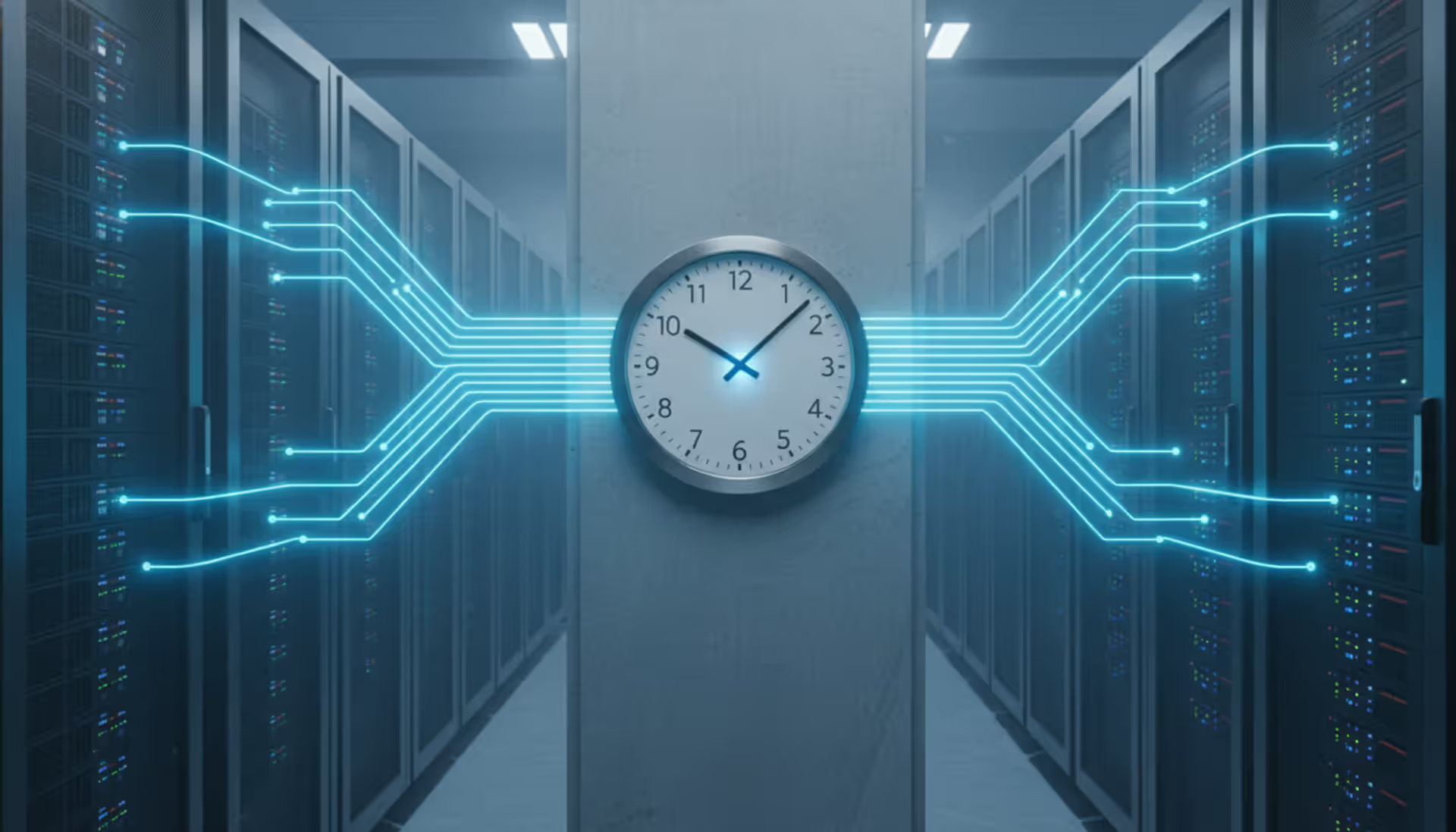
NTP servers keep computers and devices synchronized to accurate time sources. This guide explains how NTP works, where to find public server addresses, how to choose the best servers for your needs, and how to configure and troubleshoot time synchronization across different systems
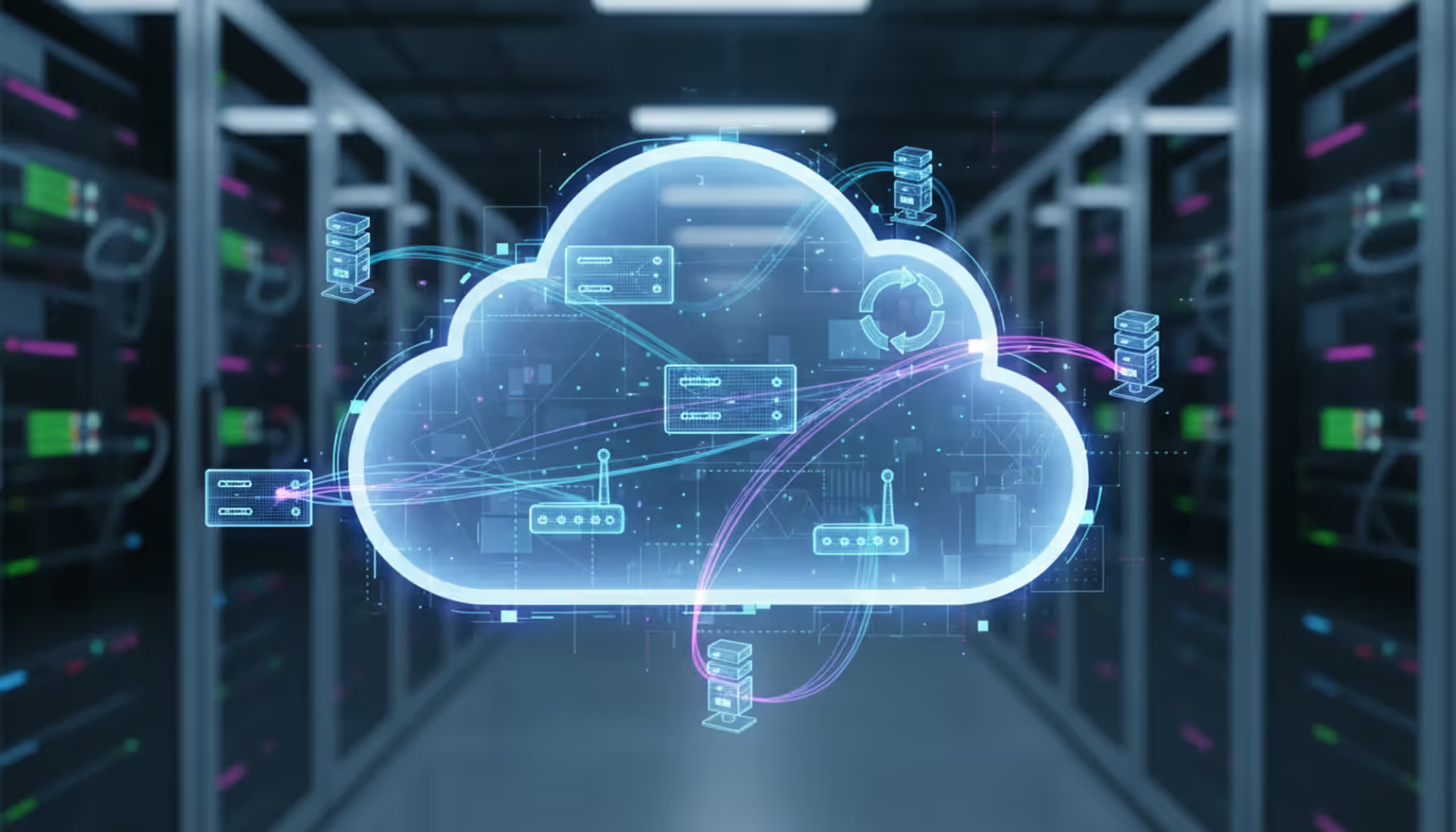
A virtual network is a software-defined networking environment that replicates physical network infrastructure without dedicated hardware. This guide covers core components, virtual network functions, gateways, security best practices, cloud provider services, and a practical 6-step setup process
Network design is the process of planning and structuring an organization's communication infrastructure to enable reliable data exchange. This comprehensive guide covers design fundamentals, security integration, implementation processes, and common mistakes to avoid when building business networks
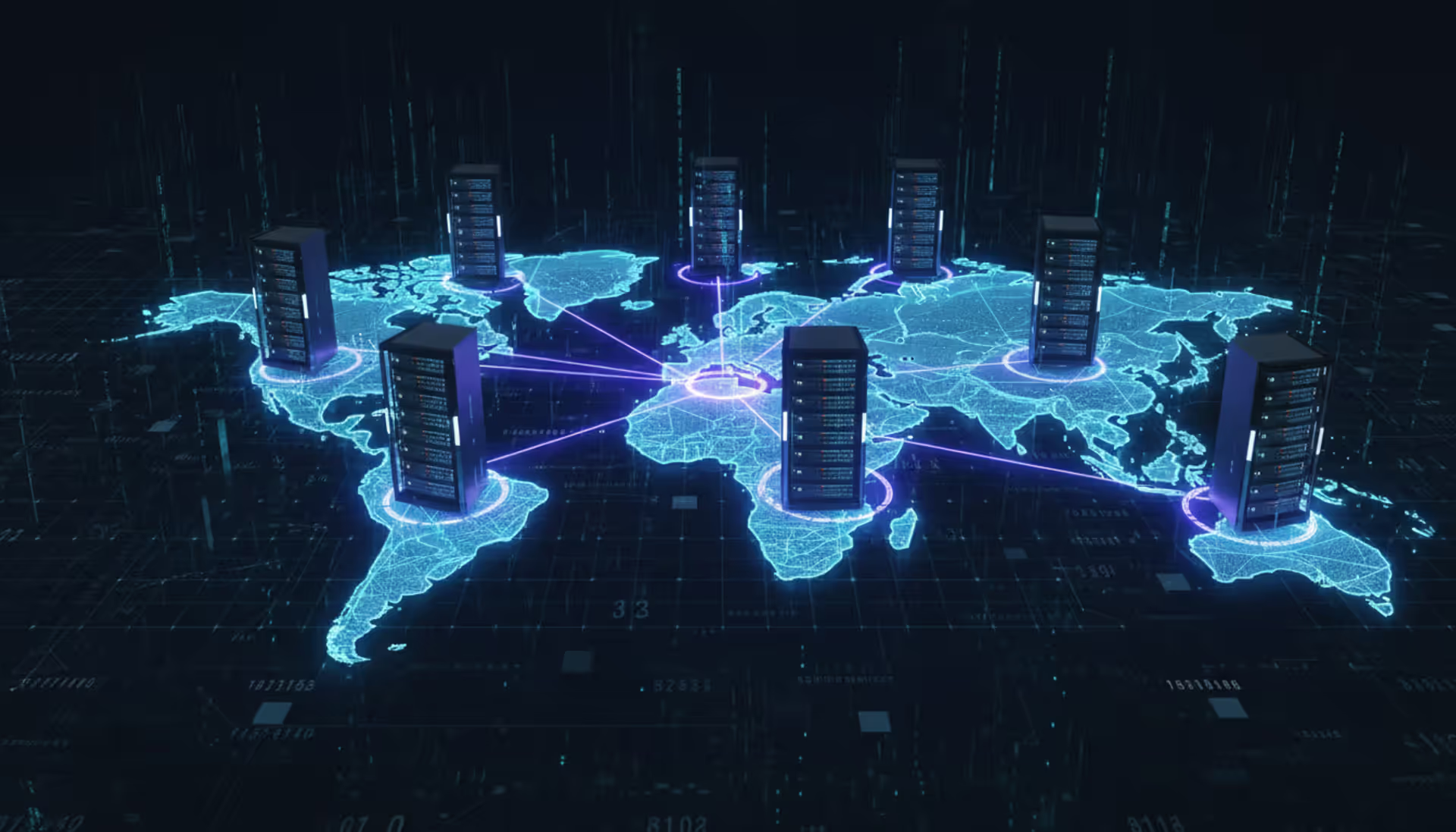
A distributed database stores data across multiple physical locations—separate servers, geographic regions, or cloud infrastructure. Unlike centralized systems with data on a single server, distributed database systems partition and replicate information across nodes working as a unified system
Out-of-band management provides independent administrative access to critical infrastructure when primary networks fail. This guide covers implementation strategies, technology options, security considerations, and best practices for deploying reliable out-of-band access across distributed IT environments
Self hosted cloud storage puts you in complete control of your data. This guide explains what self hosting means, compares costs against commercial services, reviews popular platforms like Nextcloud and Syncthing, and walks through setup steps for building your own private cloud in 2026
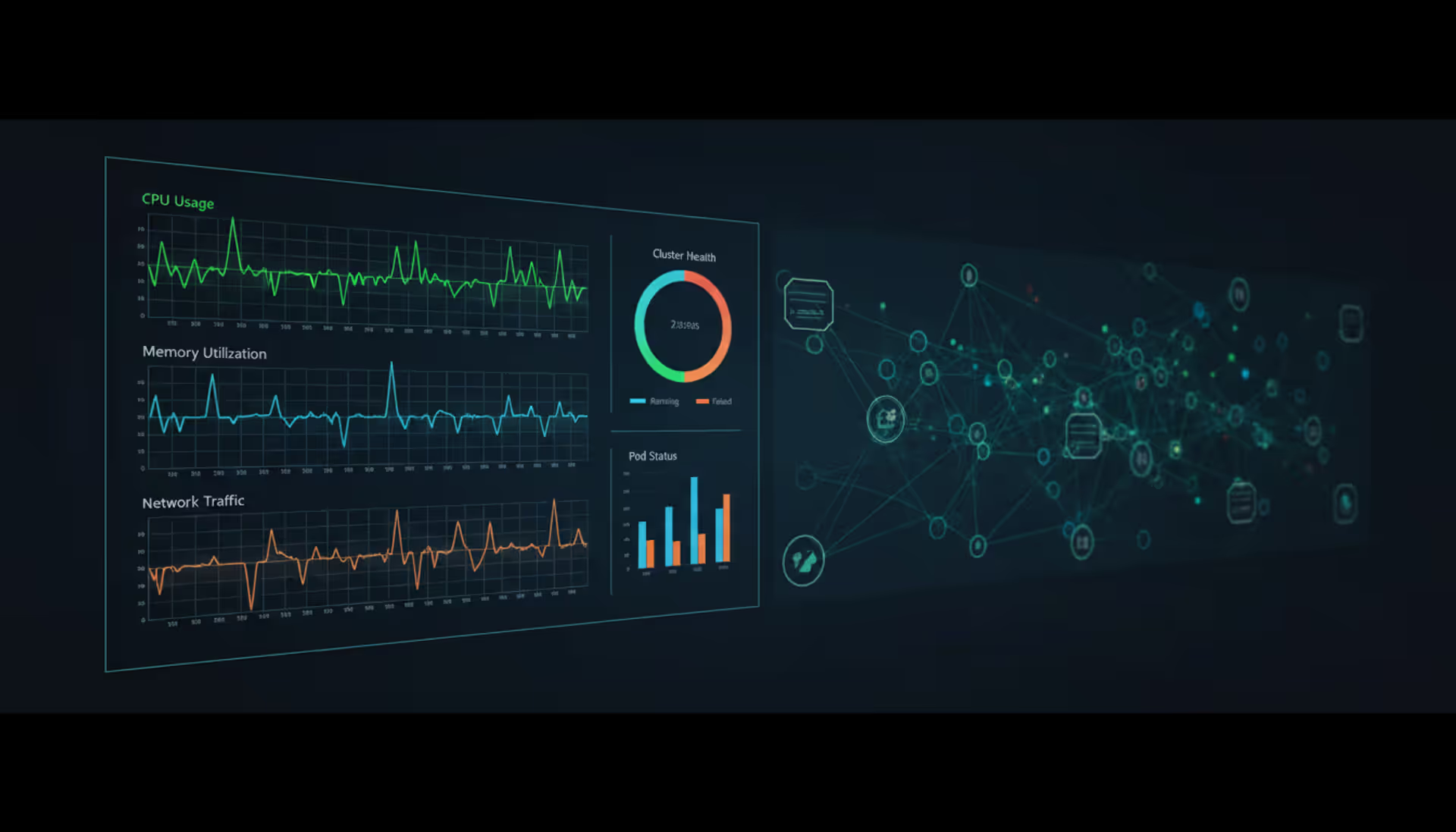
Master Kubernetes cluster monitoring with comprehensive guidance on tools, metrics, architecture, and implementation. Compare Prometheus, Grafana, Datadog, and other solutions while learning setup procedures, best practices, and disaster recovery strategies for production environments
Web based and cloud based systems differ fundamentally in infrastructure, scalability, and costs. Web based systems run on fixed servers with predictable expenses, while cloud platforms offer elastic scaling with usage-based pricing. Learn which architecture fits your monitoring, remote access, or enterprise needs
High availability systems minimize downtime through redundancy and automated failover. This guide explains core components like clusters and load balancers, cloud-native HA features, architecture design steps, and common implementation mistakes to avoid
Building your own cloud storage gives you complete control over your data while potentially saving money compared to subscription services. This comprehensive guide covers hardware requirements, software platforms like Nextcloud, step-by-step installation, security best practices, and common mistakes to avoid
Building cloud infrastructure requires understanding how to create cloud accounts, provision servers, and configure storage. This comprehensive guide walks through the essential processes for creating cloud resources, from initial account setup to deploying complete services, with practical cost management and security best practices
Fibre Channel remains essential for enterprise storage networks requiring predictable, low-latency performance. This guide explains FC architecture, protocol mechanics, SAN components, speed classes, and when to choose Fibre Channel over alternatives like iSCSI or NVMe-oF for mission-critical workloads
Remote management enables administrators to monitor, configure, and troubleshoot devices from central locations without physical access. This guide covers system architectures, platform types, key features, common use cases, and selection criteria for organizations implementing remote device management
When you're planning how computers, phones, printers, and servers will talk to each other in your office, you're doing network design. It's about mapping out the pathways that data travels—deciding which equipment you'll need, how everything connects, and making sure you've got enough bandwidth to handle what your team does today and what they'll need next year.
Here's why this matters more than most people think: Your network is what keeps your business running. Email stops working? That's the network. Can't access your cloud accounting software? Network again. Video calls freezing during client presentations? You guessed it. When things go wrong, you're not just annoyed—you're losing money. Some companies lose $5,600 per minute during network outages, according to recent surveys.
Most networks follow a three-tier structure, though smaller offices might skip the middle tier. Picture it like a highway system: The core layer is your interstate—big, fast connections moving massive amounts of data between major hubs. The distribution layer acts like state highways, gathering traffic from local roads and directing it efficiently. The access layer? That's your neighborhood street where individual devices actually plug in. You can upgrade one section without ripping out everything else, which saves headaches and budget down the road.
What actually makes up a network? You've got physical stuff you can touch—routers pushing traffic between different network segments, switches connecting...
The content on this website is provided for general informational purposes only. It is intended to offer insights, commentary, and analysis on cloud computing, network infrastructure, cybersecurity, and IT solutions, and should not be considered professional, technical, or legal advice.
All information, articles, and materials presented on this website are for general informational purposes only. Technologies, standards, and best practices may vary depending on specific environments and may change over time. The application of any technical concepts depends on individual systems, configurations, and requirements.
This website is not responsible for any errors or omissions in the content, or for any actions taken based on the information provided. Users are encouraged to seek qualified professional advice tailored to their specific IT infrastructure, security, and business needs before making decisions.